 Multiple Sites - URLs
Create the first site in the normal way, saving all of the settings in a profile. This is the main profile
Then using the Save Profile As command in the File menu create a new and identical secondary profile.
The secondary profile is then changed to reflect the new position of the site using the FTP command in the Options menu.
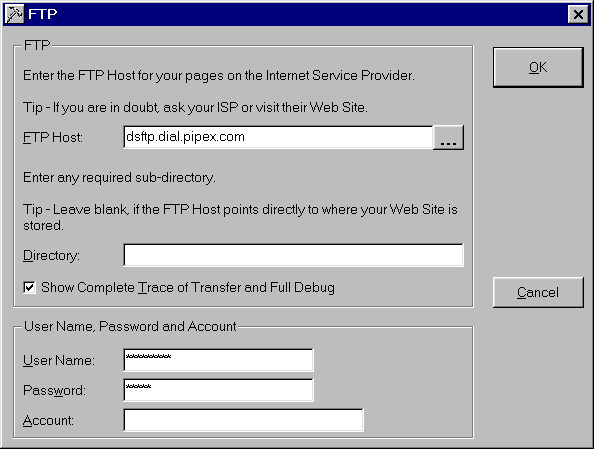
Once the settings have been changed don't forget to save the profile!
Note that as the site has already been created using the original main profile, there is no need to rebuild the Web Site.
Just upload it!