Adding a POP3 E-Mail Account to Outlook
Start The Dialog POP3 User Logon Server More Authenticate Test Finish
Links Contact
It is always best to click the More Settings button in the dialog to setup the Servers and Login correctly.
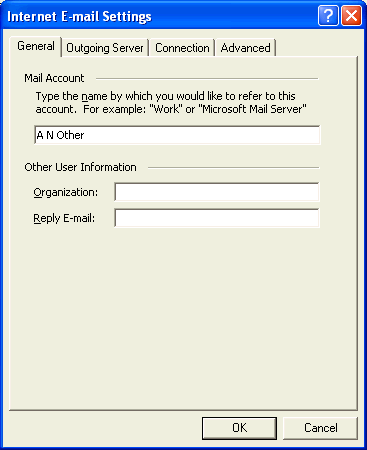
The Mail Account name should always be set to something sensible. For some reason Outlook uses the Name of the Incoming Mail Server. In this example, that is pop3.usp.net. Why not use the User Name?
Generally don't set the Organization and Reply E-Mail as these often seem to cause more trouble than they are worth. You don't really need to send them as most E-Mail programs make sensible default decisions.